
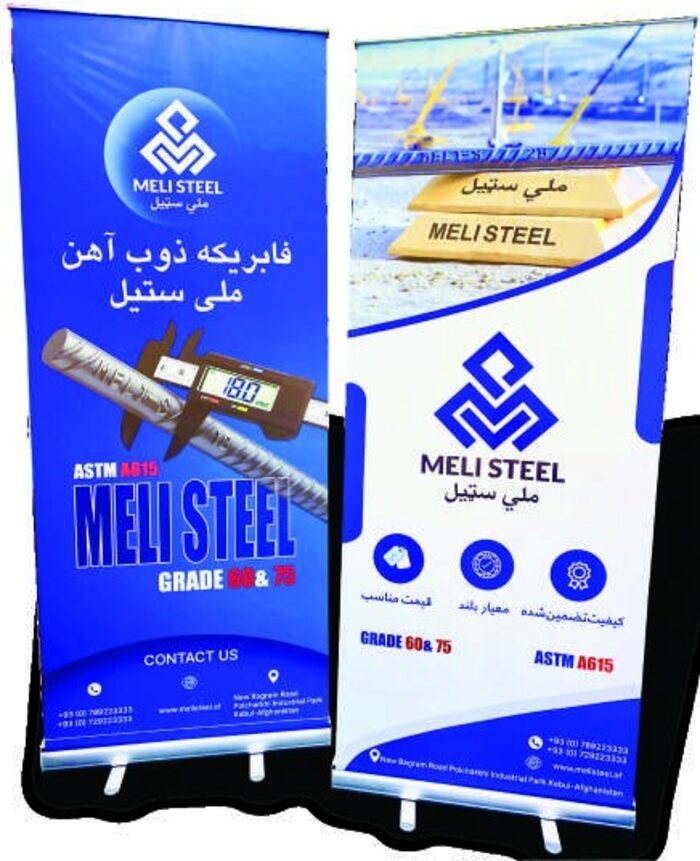
Good printing starts with good files. A few simple checks before you send your artwork can save time and make sure the finished piece looks exactly as you expect.
A short checklist
- Use vector files (AI, EPS, SVG or PDF) for logos and text, so they stay sharp at any size.
- Set colours in CMYK, and include Pantone references if exact brand colours matter.
- Use high-resolution photos. As a guide, 300 dpi at the final print size for items viewed up close.
- Add bleed around the edges, usually 3 to 5 mm, so there are no white borders after trimming.
- Convert text to outlines, or send the fonts with your files.
- Check spelling, phone numbers and logos one last time.
Large signs are different
Big signs are viewed from further away, so they can often be printed at a lower resolution without looking soft. Tell us the final size and where the sign will be installed, and we will advise.
Not sure your files are ready? Send them anyway. Our designers will check them and let you know if anything needs fixing.